Free AI image generators fall into two camps. The first hands you ten credits, produces one decent image, then spends the rest of your session nagging you to upgrade. The second is genuinely usable without paying, sometimes for years, if you understand where the limits sit. This guide only covers the second kind. Every tool here was run through the same three prompts, a photorealistic portrait, a flat vector illustration, and a busy scene with text, following the same testing process we use for every roundup, so the comparison reflects real output rather than each vendor’s cherry-picked demo gallery.
What should “free” actually mean?
Before the list, a standard worth setting. Marketing departments have stretched the word “free” until it barely means anything, so here is the bar a tool had to clear to make this list. It needed to offer daily or monthly generations without a credit card on file, export images without a forced watermark stamped across them, and permit at least basic commercial use on the free tier. A tool that fails any one of these is not free in a way that matters to most people. That last rule is why one popular editor, Krea, did not make the cut: its real-time canvas is excellent, but its free tier grants no commercial licence, so anything you make there is experiment-only.
A free plan that produces images you cannot legally use anywhere is not a free plan. It is a demo with a friendlier name.
That last point about commercial use trips up more people than any other. Plenty of tools let you generate and download for nothing, then bury a clause saying the free tier is for personal use only. If you are making images for a blog that carries ads, a product you sell, or a client project, personal-use-only output is a legal liability, not a freebie. Read the licence once per tool and you will never worry about it again.
How do free tiers actually work?
Understanding the business model behind these tools tells you exactly where the free tier will pinch. Nobody gives away GPU time out of kindness. Image generation is expensive to run, so every free plan is a funnel designed to convert a percentage of users into paying customers. The generosity is real, but it is calculated, and knowing the pattern helps you pick the right tool instead of bouncing between five of them.
Most free tiers throttle you in one of four ways. Some cap the number of images per day, which resets at midnight and rewards patience. Some run your requests in a slower queue while paying users jump ahead, so free images take a minute instead of five seconds. Some restrict resolution or the newest model, giving you last year’s engine unless you pay. And some limit the commercial licence rather than the output itself. The tools below were chosen because their particular flavour of limit is easy to live with for everyday use.
Which free AI image tool is best for each job?
No single tool wins at everything, and anyone who tells you otherwise is selling something. The trick is matching the tool to the job. Here is how the five break down by their genuine strength, tested on identical prompts so the differences are real and not marketing.
1. Google Gemini (Imagen), best overall quality
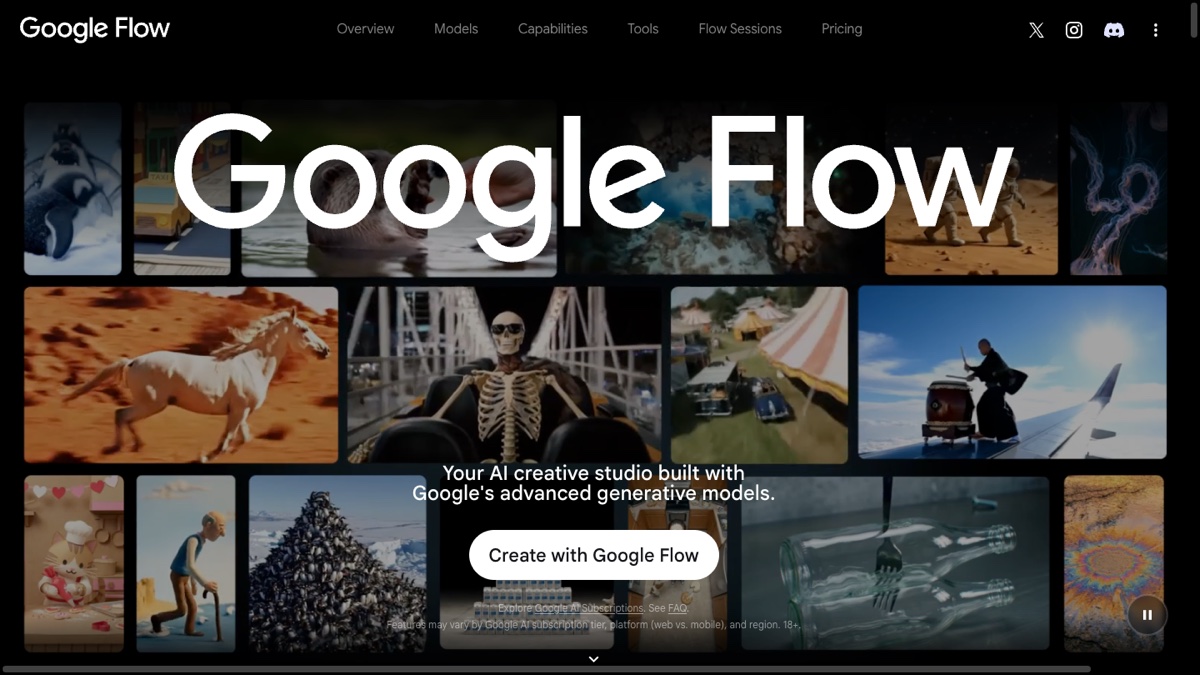
Google’s image model, reachable through the Gemini app, is the strongest free all-rounder right now. It follows complex prompts closely, handles hands and faces without the usual horror-show artefacts, and produces images clean enough to publish without editing. No credit card is required, and output carries no visible watermark, though Google does embed an invisible SynthID provenance marker. Be careful with the generation limit: Google does not publish a fixed number for free image generation, and its own plan page says usage limits refresh every five hours rather than daily. Any specific figure you read elsewhere, including the commonly repeated fifteen a day, is someone’s estimate rather than a published cap. It suits people who generate a handful of images a day rather than dozens in one burst. If you only learn one tool, make it this one.
One thing has changed since this tool first caught on. ImageFX no longer exists as a separate destination: the old link now redirects into Google Flow, Google’s combined studio for image and video work. The underlying model is the same, and the Gemini app remains the simplest route to it, so nothing is actually lost. But old bookmarks and most guides still pointing at ImageFX will land you somewhere unfamiliar.
2. Leonardo AI, best for illustrations
When you need flat, vector-style, or editorial illustration rather than photorealism, Leonardo pulls ahead. Its free tier hands you about 150 tokens a day, which works out to roughly 30 to 50 images depending on settings, and it exposes more models than any other free tool, so you can dial in a specific look. It produces clean shapes, consistent line weights, and colour palettes that drop straight into blog posts, slide decks, and social graphics with no fuss. Photorealistic prompts are not its strength, but for the kind of illustration a content site needs every week, it is the fastest route from idea to usable asset.
The free tier carries one condition that matters more than the token count, and it is easy to miss. Leonardo’s commercial usage terms state that free-plan generations are public, that Leonardo owns the assets as between you and them, and that other users can see and reuse what you make. You get a royalty-free licence to use your own creations commercially, but you are not getting exclusivity. For a client project where the image needs to be yours alone, that rules the free tier out.
3. Microsoft Copilot Image Creator (DALL-E 3), best for speed and text
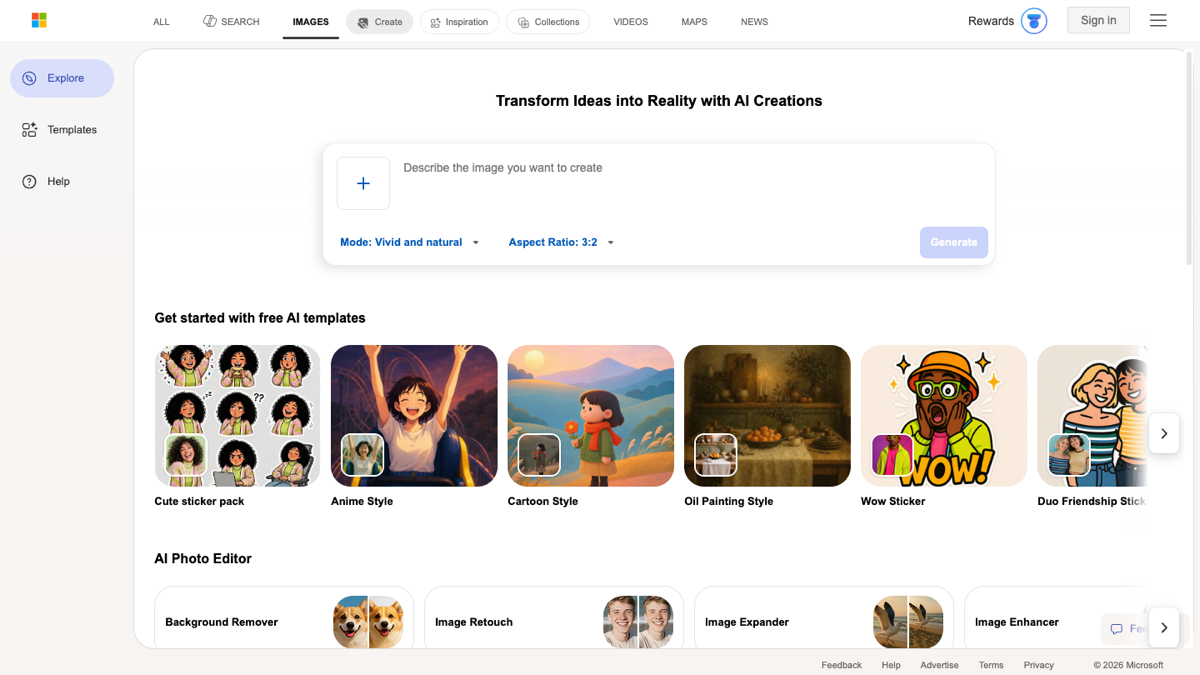
Microsoft’s Image Creator, formerly Bing Image Creator, runs DALL-E 3 free with a Microsoft account. You get around fifteen boosted fast generations a day; once those run out, generations still work, they just drop into a slower queue rather than stopping. There is no hard wall on generation speed, which makes it the tool for rapid iteration: generate, tweak two words, generate again, ten times over while a capped tool is still counting. There is still an outer limit, though. Microsoft’s Image Creator help page sets it at 200 prompts per 24 hours, which is generous enough that most people never meet it. It is also the best of this group at rendering readable text inside an image. Commercial use is allowed under Microsoft’s standard terms, with the usual bans on impersonation and trademarked characters, and output is watermark-free.
4. Adobe Firefly, best for editing existing images
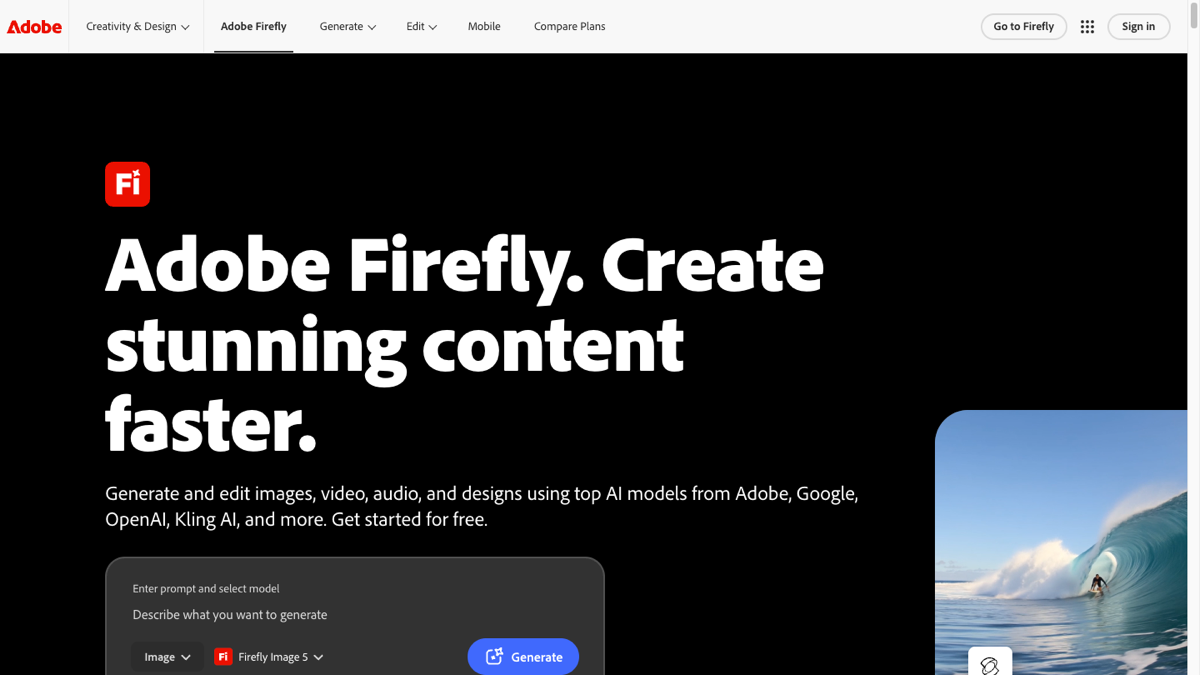
Generation is only half the job. Often you have an image that is almost right and needs one fix: remove an object, replace a background, extend the canvas, or change a small detail. Firefly’s generative fill handles inpainting and background replacement in the browser without you ever opening Photoshop. Its free monthly credits produce watermark-free output, and Adobe states that it only trains Firefly on content it has permission to use, does not mine the web, and compensates the Adobe Stock contributors whose work went into training. That is why Firefly built its reputation as the commercially safe option. The free credit cap is smaller than most, so treat it as your polishing tool rather than your bulk generator.
One caveat has become important, and most guides have not caught up with it. Firefly is no longer only Adobe’s own models. The same interface now routes partner models from Google, OpenAI and others, and Adobe’s guidance is to check each partner model’s own terms before using its output commercially. The commercial-safety promise attaches to Adobe’s Firefly models, not to everything you can generate inside Firefly. Check which model is selected in the prompt bar before you assume the output is cleared for client work.
5. Stable Diffusion with Flux.1 Schnell, best open source option
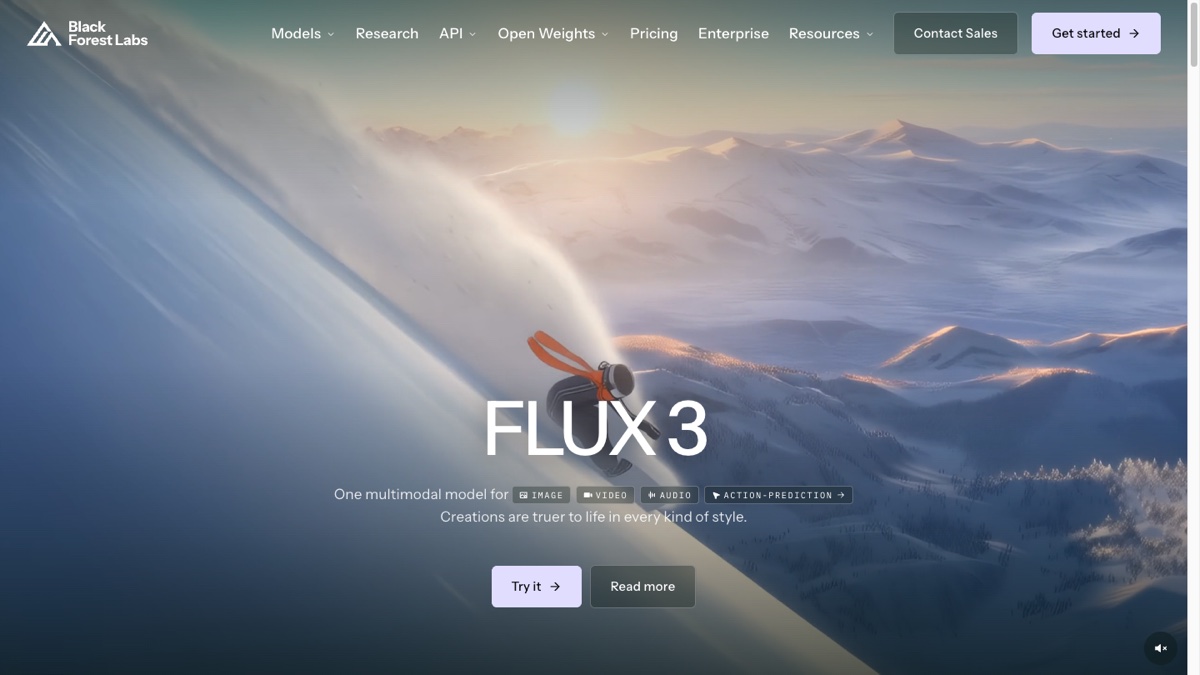
If you have a reasonably modern GPU, the open source route removes limits entirely. You run the model locally through a frontend like ComfyUI or Automatic1111, generate as many images as you like, and never send a prompt to anyone else’s server. Flux.1 Schnell is the standout modern model here: it ships under the permissive Apache 2.0 licence, so commercial use is explicit and unrestricted, and it leads on photorealism among free models. Black Forest Labs has since moved its flagship on to FLUX 3, which is not the open-weights option, so do not assume the newest model on its site is the free one. Schnell is still the Apache-licensed release you want. The trade-off is setup effort, a steeper learning curve, and the hardware requirement. But for privacy-sensitive work, high-volume generation, or anyone who dislikes usage caps, owning the whole pipeline is worth the initial afternoon of configuration.
How do the five free AI image tools compare?
These five are not ranked against each other, because they do not compete on the same ground. What separates them is where the free tier pinches. Gemini limits how often you can generate. Leonardo limits exclusivity rather than volume, so your output is public. Copilot Image Creator slows you down instead of stopping you. Firefly rations credits but keeps the commercial-safety promise, at least for Adobe’s own models. A local Flux.1 Schnell setup trades every limit for setup effort and a GPU. Read the table by the column that matters to your job rather than straight down the list. If you sell what you make, start with the commercial-use column. If you generate in bursts, start with the free limit. If you need readable words inside the image, only one of the five is dependable.
| Tool | Best for | Free limit | Watermark | Commercial use |
|---|---|---|---|---|
| Google Gemini (Imagen) | Overall quality, photorealism | Not published; limits refresh ~5-hourly | None (invisible SynthID) | Yes |
| Leonardo AI | Illustration, model variety | 150 tokens/day | None | Yes, but free output is public and non-exclusive |
| Copilot Image Creator | Speed, text in images | 15 fast/day, then slow queue; 200 prompts/24h | None | Yes |
| Adobe Firefly | Editing, commercial safety | Monthly credit cap | None | Yes for Adobe’s own models; partner models have their own terms |
| Stable Diffusion + Flux.1 Schnell | Unlimited local generation | Unlimited (your GPU) | None | Yes, Apache 2.0 |
How do you get better results from any of them?
The tool matters less than the prompt. The same generator can produce a masterpiece or a mess depending on how you ask, and most people ask badly. A few habits lift your average output far more than switching tools ever will.
- Describe the medium first. “Oil painting of”, “flat vector illustration of”, “studio photograph of” sets the entire direction before you name the subject. This one habit fixes more bad output than anything else.
- Be specific about light and mood. “Soft morning light”, “dramatic shadows”, “muted pastel palette” give the model something to anchor to. Vague prompts produce vague, generic images.
- Name what you do not want. Most tools support negative prompts. Excluding “text, watermark, extra fingers, blurry” cleans up a surprising number of common failures.
- Generate several, then choose. The first image is rarely the best. Make four, pick one, refine. Treat the first batch as rough drafts, not final answers.
When do free tiers stop making sense?
Honesty matters, so here is the case against free tools. If you generate images professionally, day in and day out, the daily caps and slower queues start costing you more in time than a subscription would cost in money. At that point, paying for one good tool is the rational move, not a defeat. The free tiers are perfect for casual users, hobbyists, bloggers, and anyone testing whether AI images fit their workflow at all. They are frustrating for a full-time designer pushing volume.
There is also a quality ceiling on some free tiers, where the newest and best model is reserved for paying users. For most purposes the free model is more than good enough, but if you need the absolute best output for a client-facing project, that reservation is worth knowing about before you commit to a tool.
Which free AI image tool should you start with?
You do not need a subscription to get genuinely useful AI images in 2026. The free tiers have matured to the point where a thoughtful user can cover almost every everyday need without spending anything. The winning strategy is simple: pick one strong generalist for most work and one dedicated editor for fixes, learn the prompt quirks of both, and stop tool-hopping. Two tools you know well beat ten you have barely touched.
Start with Google Gemini as your all-rounder, add Adobe Firefly when you hit your first “this is almost perfect” moment, and only reach for the others when a specific job calls for speed, illustration, or unlimited local generation. Master that pairing and you will handle 90 percent of your image needs for free, indefinitely. The same logic carries over to moving images, though the free limits bite considerably harder there: our guide to free AI video generators covers which ones survive the same test.
Frequently asked questions
Which free AI image generator is best overall in 2026?
Google Gemini, using the Imagen model through the Gemini app, is the best free all-rounder. It needs no credit card, applies no visible watermark, and handles faces, hands and complex prompts more reliably than the rest. Google publishes no fixed limit; usage refreshes roughly every five hours.
Can I use free AI images commercially?
It depends on the tool. Gemini, Copilot Image Creator and Flux.1 Schnell permit commercial use of free output, with Flux.1 Schnell cleanest under Apache 2.0. Firefly is safe for Adobe’s own models only. Leonardo makes free output public and non-exclusive. Krea is paid-only.
Which free tool renders text inside images best?
Microsoft Copilot Image Creator, running DALL-E 3, is the strongest of this group at rendering readable text inside an image, which makes it useful for posters, social graphics, and mockups that need words.
Do any of these add a watermark?
None of the five stamp a visible watermark on free output. Google’s models embed an invisible SynthID provenance marker, and Adobe uses C2PA content credentials, but neither is a visible mark across your image.
Is a local Stable Diffusion setup worth it?
If you have a modern GPU and generate a lot of images, yes. Running Flux.1 Schnell locally removes every usage cap, keeps prompts private, and ships under Apache 2.0 so commercial use is unrestricted. The cost is an afternoon of setup, so it is overkill for occasional users.